
Checklist
Your Google Ads go live tomorrow? Check these 5 settings tonight
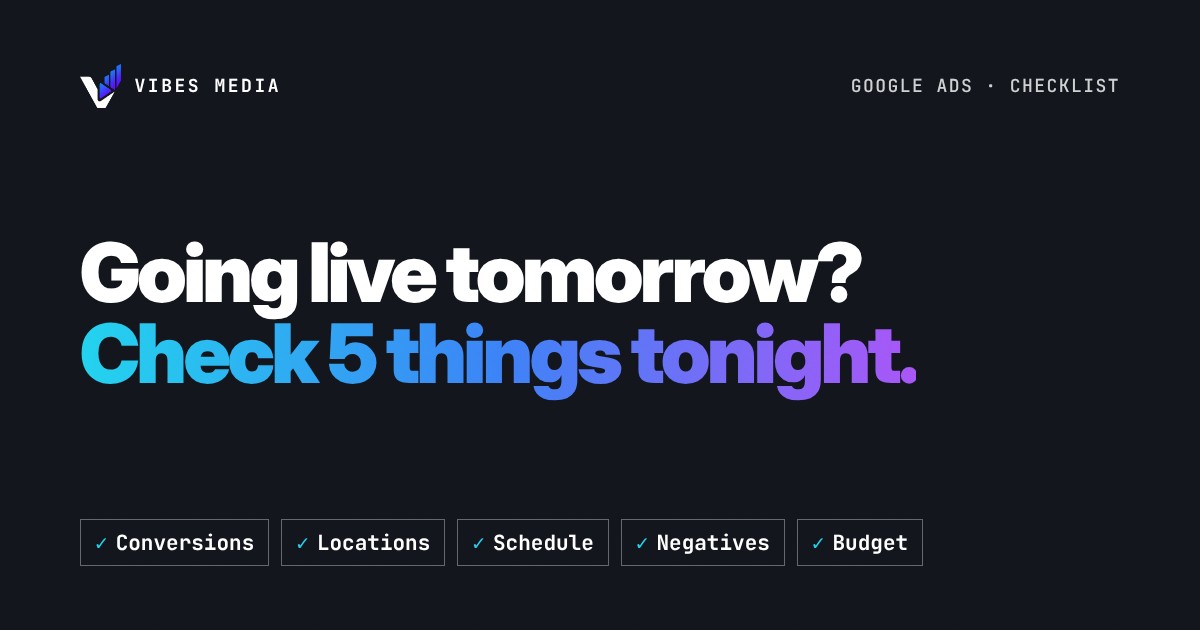
Conversions, locations, schedule, negative keywords and budget: five checks before a new campaign spends its first dirham.
Short answer
Before a new Google Ads campaign spends its first dirham, check five things: that it counts the right conversion, that it shows in the right places, that it runs at hours you can answer, that obvious wrong searches are already blocked, and that the daily budget matches what you are happy to spend in a month. Each check takes a few minutes, and each one protects money you would otherwise only notice missing a week later.
1. Conversions: does Google know what a customer looks like?
Google Ads learns from what you tell it to count. If the campaign counts page views or button clicks, it will find more people who view pages and click buttons. Count the action that means a real enquiry: a submitted form, a call from the ad, a booking request.
Then test it. Submit your own form or make a test call and check that the conversion shows up. A campaign that launches with broken tracking spends its learning period blind.
We go deeper on this in what your Google Ads should count as a conversion.
2. Locations: who exactly is "in" your area?
Google's location setting has two options. "Presence or interest" can reach people who are in your target area and also people who have shown an interest in it. Google recommends it as a best practice for Search, and it suits a hotel or a tourist activity, where customers search from abroad.
"Presence" is the option Google points to when you only want people who are actually in your locations. For a business people have to visit, or one that only serves its own city, that is usually the safer start. Check which one is selected before launch, not after the first strange enquiry from another country.
3. Ad schedule: can someone answer when the ad runs?
By default, Google Ads campaigns show ads "All day", every day. That is fine for an online shop or a form that waits until morning. It is not fine if your ad's main job is to make the phone ring and nobody picks up after 9 PM.
If your ads drive calls, set the schedule to the hours someone can answer. You can always widen it later once you see when people search.
4. Negative keywords: block the obvious wrong searches first
Every business attracts searches that will never buy: people looking for jobs, free versions, training courses, or a different service with a similar name. Add these as negative keywords before launch, then keep adding new ones from the search terms report every week.
Our guide to negative keywords and where budgets leak shows how to build the first list.
5. Budget: know what "daily" really means
A Google Ads daily budget is an average, not a hard cap per day. On a busy day a campaign might spend up to twice its average daily budget. Over a month, Google says it will charge no more than 30.4 times the average daily budget.
So work backwards. Pick the monthly amount you are comfortable with and divide it by 30.4 to get the daily budget. Then don't panic the first time one day looks high; check the month.
The 2-minute version
- Conversions: counting real enquiries, and tested.
- Locations: "Presence" or "Presence or interest", chosen on purpose.
- Schedule: ads run when someone can answer.
- Negatives: jobs, free and wrong-service searches blocked.
- Budget: daily budget = monthly comfort level ÷ 30.4.
Want a second pair of eyes?
If you are about to launch, or your campaign is already live and something feels off, we can check these settings with you. Our free audit looks at your Google Ads and tells you which fix matters most.
Sources: Target ads to geographic locations (Google Ads Help) · About Ad Scheduling (Google Ads Help) · About overdelivery and your average daily budget (Google Ads Help)