
Guide
"Coffee near me": your café's Google listing and Google Ads, working together
How the free map listing and your ads fit together, so nearby customers find your address, call you and get directions.
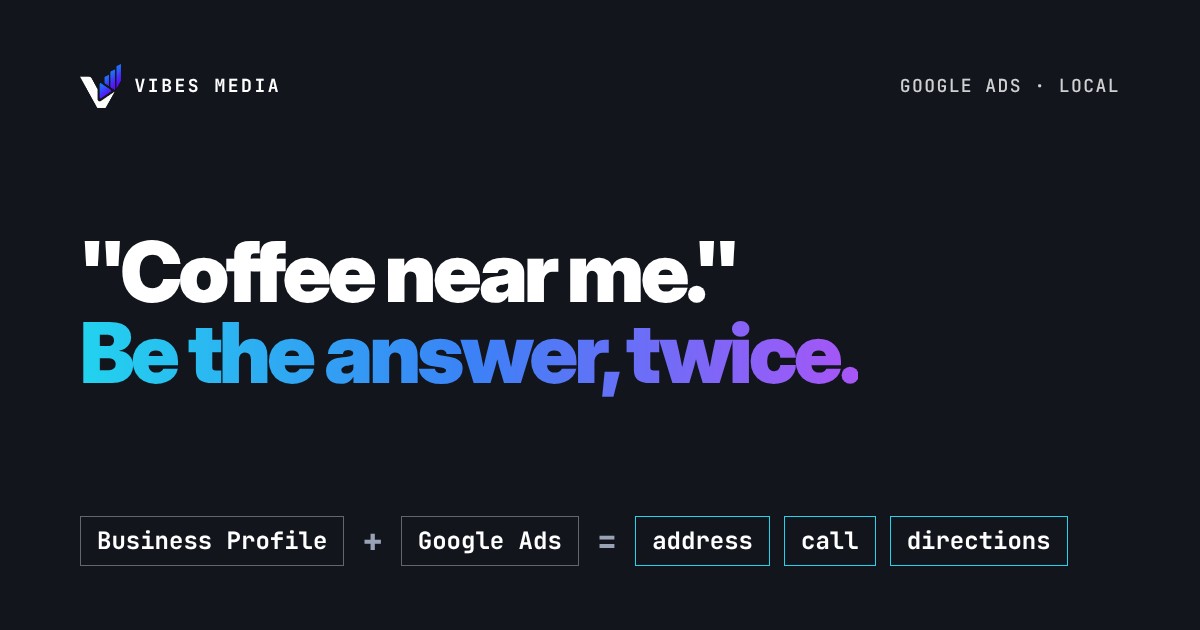
Short answer: your Google Business Profile decides whether your café can show up in the free local results on Google Search and Maps. Google Ads can show your café in the paid spots too, and when you add location details to your ads, the ad itself can carry your address, the distance and a call button. You can't pay for a better free ranking, so get the profile right first, then use ads to show up in more places.
Two different spots, one search
When someone near you searches "coffee near me" or "breakfast café", Google can show two kinds of results:
- Free local results, which come from Business Profiles.
- Ads, which you pay for.
They follow different rules. Google is clear that "there's no way to request or pay for a better local ranking on Google." Ads won't push your free listing higher. What ads can do is put you in front of the same person in a paid spot, with your details attached.
Part 1: get the free listing right
Google says local results are mainly based on three things:
- Relevance: "how well a Business Profile matches what someone is searching for."
- Distance: "how far each business is from the customer who's searching."
- Prominence: "how well-known a business is."
You can't move your café closer to everyone, but you can work on the rest. From Google's own tips:
- Verify your business. Google says verification tells it you're authorised to represent the business, so it's "more likely to show up in search results."
- Fill in everything. "Businesses with complete and accurate info are more likely to show up in local search results." That means your category, address, phone number, website and what you serve.
- Keep your hours right, including special hours. Nothing loses a coffee customer faster than walking to a closed door.
- Reply to reviews. Google says replying "shows that you value their feedback."
- Add photos and videos of your food, drinks and space, so people can see what they're walking into.
Part 2: put your location inside your ads
Google Ads has location assets, which add your business location to your ads. Depending on where the ad shows, people can see:
- your street address, or the distance to you and your city on mobile
- a clickable Call button
- a link to a details page for your location, with directions
Google says location assets can show your business information in different formats, including on Search Partner sites and in some YouTube ads, and that they "help people to engage and visit your business."
One way to set them up is to link your Google Ads account to your Business Profile. The address then comes from the profile you already keep up to date, which is one more reason to get Part 1 right first.
A simple setup for a café or restaurant
This is an example of how the two fit together, not a promise of results:
- Profile first: verify it, fill every field, set your hours and any special hours, reply to recent reviews, add fresh photos.
- Link it: in Google Ads, link your account to the Business Profile and turn on location assets.
- Keep the ads local: target the area people actually walk or drive in from, and run ads at the times you're open.
- Watch calls and directions: these are the actions that bring people through the door. Clicks alone aren't customers (see our guide on what to count as a conversion).
Want a second pair of eyes?
We run Meta Ads and Google Ads for businesses that want more calls, bookings and visits. A free audit looks at how your ads and your Google listing work together.
Sources: Google Business Profile Help, Tips to improve your local ranking on Google, and Google Ads Help, About location assets.