
Guide
Negative keywords: where Google Ads budgets leak
The searches clinics and salons pay for by mistake, and a weekly check that stops it.
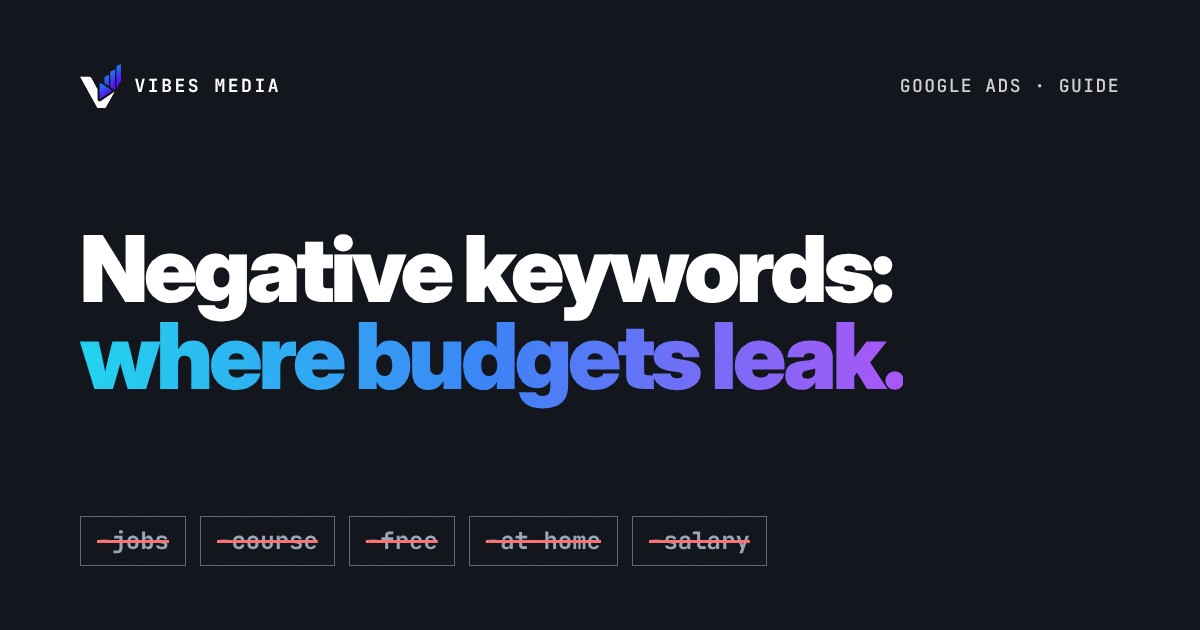
Short answer: negative keywords tell Google which searches you don't want your ads to show for. Without them, a clinic or salon can pay for clicks from people looking for jobs, training courses, free tips or products to use at home, who were never going to book. The fix is a short weekly habit: open the search terms report, spot the searches that don't fit, and add them as negative keywords.
What a negative keyword is
When you run Google Search ads, you choose keywords, and Google shows your ad for searches related to them. Google describes negative keywords simply: they "let you exclude search terms from your campaigns." So if you add "jobs" as a negative keyword, your ad stops showing to someone who searches "salon jobs Dubai".
That matters because every click costs money, whether the person wants to book or wants a job.
Searches clinics and salons often pay for by mistake
These are examples of the kinds of searches that tend to waste budget for a clinic or salon. Check your own search terms before you exclude anything, because every business is different.
- Jobs and careers: "nail technician jobs", "dermatology nurse vacancy", "salon hiring", "salary".
- Training and courses: "lash extension course", "laser hair removal training", "how to become a makeup artist".
- Do it yourself: "at home", "DIY", "how to", "kit", "machine for home use".
- Free or second hand: "free", "used", "for sale", "wholesale", "supplies".
- Places you don't serve: areas or cities your clients won't travel from.
- Services you don't offer: if you don't do hair, a nail salon may not want "hair salon near me".
Be careful with words like "free". If you offer a free consultation, excluding "free" could block people searching "free consultation skin clinic". Exclude the words that never fit your business, not every word that sounds cheap.
How negative keyword match types work (the short version)
Negative keywords have three match types in Search campaigns, and they behave a little differently from normal keywords:
- Negative broad match (the default): your ad won't show if the search contains all of your negative words, in any order.
- Negative phrase match: your ad won't show if the search contains the words in that exact order, even with extra words around them.
- Negative exact match: your ad won't show only when the search is exactly those words, with nothing added.
One catch: Google says negative keywords "won't match to close variants or other expansions." So if you exclude "course", also add "courses". The same goes for synonyms such as "training" and "class". Google also warns that too many negative keywords can mean your ads reach fewer customers, so keep the list focused.
A simple weekly check
The best source of negative keywords is your own account. The search terms report shows the actual searches that triggered your ads, with impressions, clicks and results.
- Open the search terms report for the last 7 days.
- Sort by cost or clicks, so the most expensive searches come first.
- For each search, ask: could this person book with us? If the answer is clearly no, add the key word (for example "jobs" or "course") as a negative keyword.
- If a search is good but not in your keyword list, consider adding it as a keyword.
- Repeat every week, more often in the first month of a new campaign.
Over time, more of your budget goes to people who actually call, message or book.
Want someone to check your search terms?
We run Google Ads and Meta Ads for clinics, salons and plastic surgery clinics, and reviewing search terms is one of the first things we look at. Book a free audit and we'll tell you where your budget might be leaking.
Sources: Google Ads Help, About negative keywords and About the search terms report.