
Guide
Clicks aren't customers: what to count as a conversion
Which actions any business should track in Google Ads, and how to stop Google optimising for the wrong thing.
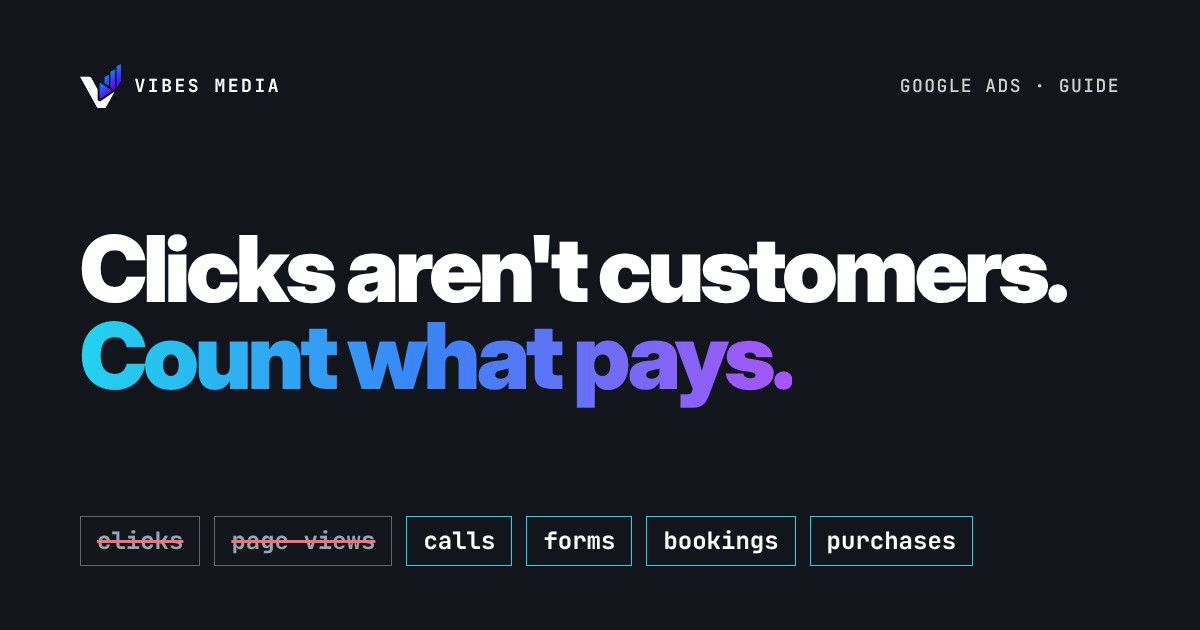
Short answer: a conversion is the action you decide is valuable, like a call, a form, a booking or a purchase. Google Ads only knows what "good" looks like if you tell it, so count the actions that turn into paying customers, not clicks or page views. Then make those actions the ones Google uses for bidding, and keep the rest for reporting only.
What a conversion is
Google defines a conversion action as "a specific customer activity that is valuable to your business." The important word is you: Google says you choose what you identify as valuable, "like a purchase, sign-up, or phone call".
A click is not a conversion. A click is what you pay for. A conversion is what you wanted when you paid.
What you can track
Google Ads can track several kinds of actions:
- Website actions: purchases, sign-ups and other actions customers complete on your site, such as a contact form or a booking.
- Phone calls: calls made directly from your ads, and calls to a phone number on your website.
- App actions: app installs and in-app actions.
- Offline results: sales or bookings that happen later, uploaded from a file or another system.
For most local businesses, the first two matter most. A restaurant wants table bookings and calls. A gym wants trial sign-ups. A home services company wants calls and quote requests. An online shop wants purchases.
Count what pays, not what's easy
The easiest things to count are often the least useful. Page views, time on site and button clicks tell you people showed up. They don't tell you anyone became a customer.
A simple test for every action you track: if this number doubled next month, would revenue go up? If yes, count it. If you're not sure, track it for information but don't let it steer your budget.
Examples (yours will depend on your business):
| Count it | Track it, but don't steer by it |
|---|---|
| Calls from ads that last long enough to be real | Visits to the contact page |
| Completed booking or quote forms | Clicks on the "Book" button |
| Purchases | Add to cart |
| Messages that ask about a specific service | Video views |
Primary and secondary conversions
Google Ads lets you mark each conversion action as primary or secondary, and the difference matters:
- Primary actions are reported in the "Conversions" column and used for bidding, as long as the goal they belong to is used for bidding.
- Secondary actions show up in the "All conversions" column for reporting, but are not used for bidding.
So if "contact page visits" is set as primary, Google can learn to find people who visit your contact page, not people who call. Keep only your real money actions as primary.
Why this changes your results
Google says conversion tracking helps you learn "which keywords, ads, ad groups, and campaigns are best at driving valuable customer activity," and helps you understand your return on investment. Smart Bidding strategies also use your conversions to optimise campaigns toward your goals.
That cuts both ways. Good conversions teach Google to find more customers. Bad conversions teach Google to find more of the wrong thing, very efficiently.
A 10-minute check you can do today
- Open Goals > Conversions in your Google Ads account and list every conversion action.
- For each one, ask the doubling question above.
- Make sure your real money actions (calls, completed forms, bookings, purchases) are primary.
- Move anything else to secondary.
- Check that each primary action recorded something recently. If it shows nothing for weeks while your phone rings, the tracking may be broken.
Want a second pair of eyes?
We run Meta Ads and Google Ads for businesses that want more calls, bookings and sales, and checking conversion tracking is one of the first things we look at in a free audit.
Sources: Google Ads Help, About conversion tracking and About primary and secondary conversion actions.